If you own a Canon PIXMA printer, choosing the correct replacement cartridge is important for consistent printing and avoiding unnecessary costs. The Canon PG-645 and PG-645XL are two black ink options designed for selected Canon PIXMA printers. Although both cartridges perform the same basic function, they differ in ink capacity and estimated page yield.
When searching for Canon black ink 645, you may come across different product names, including PG-645, PG-645XL and Canon 645 ink cartridges. Understanding these model numbers helps you choose the right cartridge for your printer and printing requirements.
Whether you print invoices, school assignments, business documents or everyday household paperwork, this guide explains the key differences, cartridge technology, compatibility and installation considerations.
1. What Is the Difference Between Canon PG-645 and PG-645XL?
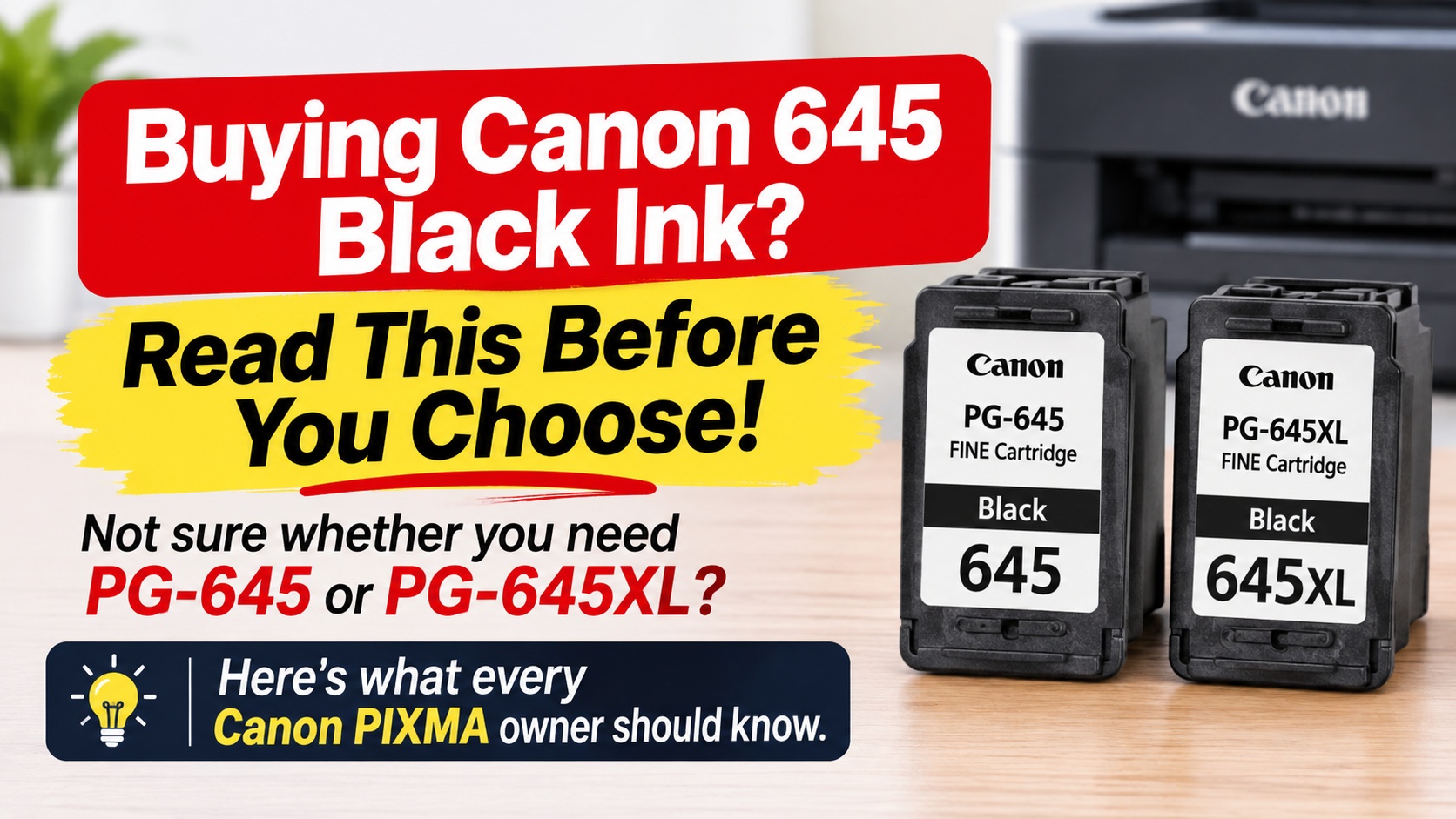
The main difference between the Canon PG-645 and PG-645XL is their estimated page yield. The PG-645 is the standard-capacity black cartridge, while the PG-645XL is the higher-capacity version.
According to Canon Australia, the standard PG-645 produces approximately 180 pages, while the PG-645XL produces approximately 400 pages. Both are black pigment ink cartridges designed for compatible Canon PIXMA printers.
Here is a quick comparison:
| Feature | Canon PG-645 | Canon PG-645XL |
| Cartridge type | Standard yield | High yield |
| Ink colour | Black | Black |
| Estimated page yield | 180 pages | 400 pages |
| Best suited for | Occasional printing | Frequent printing |
| Cartridge series | Canon 645 | Canon 645XL |
The page yields are manufacturer estimates. Your actual results may vary depending on the amount of text, graphics and images printed, as well as printer settings and usage.
Which cartridge should you choose?
If you only print occasionally, the standard PG-645 may be sufficient. However, if you regularly print documents at home or in a small office, the PG-645XL can reduce how frequently you need to replace your cartridge.
The higher-capacity option generally offers more prints per cartridge, but compare the purchase price and expected usage before deciding.
If you need the standard cartridge for a Canon PIXMA MG2460, you can check the genuine Canon PG-645 black ink cartridge for MG2460.
2. Is Canon PG-645 a Standard or High-Yield Ink Cartridge?
The Canon PG-645 is a standard-yield black ink cartridge. It is designed for users who have moderate or occasional printing requirements.
With an estimated yield of 180 pages, it can handle everyday printing tasks such as:
- Letters and general correspondence
- School assignments and study notes
- Invoices and receipts
- Basic office documents
- Forms and administrative paperwork
For users who print more frequently, the PG-645XL is the high-yield alternative, with an estimated capacity of 400 pages.
It is worth understanding that a high-yield cartridge does not necessarily produce better print quality. The main difference is its ink capacity and the number of pages it is expected to print.
For example, a home user printing a few pages each week may find the standard PG-645 suitable. A small business printing invoices, reports and customer documents every day may benefit from the higher capacity of the PG-645XL.
When comparing Canon black ink 645 options, consider your monthly printing volume rather than choosing a cartridge based only on its initial price.
3. What Does FINE Technology Mean in Canon PG-645 Ink Cartridges?
FINE stands for Full-photolithography Inkjet Nozzle Engineering. It is Canon's printhead technology, designed to control the ejection of tiny ink droplets onto paper.
This technology helps produce sharp text, detailed images and consistent printing results. It is an important part of how compatible Canon inkjet printing systems deliver their output.
The PG-645 cartridge uses Canon's FINE technology and contains a printhead as part of the cartridge assembly. This means the cartridge is more than a container holding black ink.
For everyday users, the practical benefits include:
- Clear text for documents and letters
- Consistent ink placement on the page
- Detailed output for suitable graphics
- Convenient cartridge replacement
However, print quality also depends on other factors, including the condition of the printer, paper quality, print settings and cartridge condition.
If you notice faded text, missing lines or uneven printing, the issue may be related to blocked nozzles or an ink delivery problem. Running the printer's cleaning and nozzle-check functions may help identify the cause.
You can learn more about Canon's inkjet technology through its official FINE technology explanation.
4. Is Canon PG-645 Suitable for Everyday Document Printing?
Yes. The Canon PG-645 is suitable for everyday black-and-white document printing when used with a compatible Canon PIXMA printer.
Its pigment-based black ink is designed for clear text output, making it useful for common home and office tasks. You can use it for printing emails, invoices, schoolwork, forms, letters and other documents.
For households, the standard cartridge can be a practical option when printing requirements are relatively low. Small businesses may also find it suitable for occasional paperwork, although higher-volume users should compare the PG-645XL.
Before buying a Canon 645 black ink cartridge, consider three things:
Your printing frequency: If you print only a few pages each week, a standard cartridge may meet your needs. Regular printing may make the XL version more convenient.
The type of documents: Text-heavy documents generally use ink differently from pages containing large graphics, photographs or solid black areas.
Your printer model: Not every Canon PIXMA printer uses the PG-645 series. Always confirm the cartridge number recommended for your exact model.
Canon lists the PG-645 and PG-645XL for selected models, including the PIXMA MG2460, MG2560, MG2960, MG2965, MG3060, MX496, TR4560, TS3160, TS3165 and TS3166. Check the manufacturer's compatibility information before ordering, as cartridge requirements can differ across printer ranges.
For further information, visit the official Canon PG-645 product page.
5. How Do I Get My Canon Printer to Accept Compatible Cartridges?
If your Canon printer does not recognise a replacement cartridge, the problem may relate to cartridge compatibility, installation, electrical contacts or printer settings.
Start by checking the cartridge number. A PG-645 replacement must be suitable for a printer that accepts the PG-645 series. A cartridge designed for another Canon range may look similar but will not necessarily work.
If the cartridge is correct, try these troubleshooting steps:
1. Check the cartridge model
Confirm that the replacement matches the cartridge number specified for your printer. Check your printer manual or Canon's official compatibility information.
2. Remove protective packaging
Take off any protective tape or plastic covering specified in the installation instructions. Leaving protective material in place can prevent the cartridge from operating correctly.
3. Check the electrical contacts
Avoid touching the copper-coloured electrical contacts or ink nozzles. Fingerprints, dust or ink residue can interfere with cartridge operation.
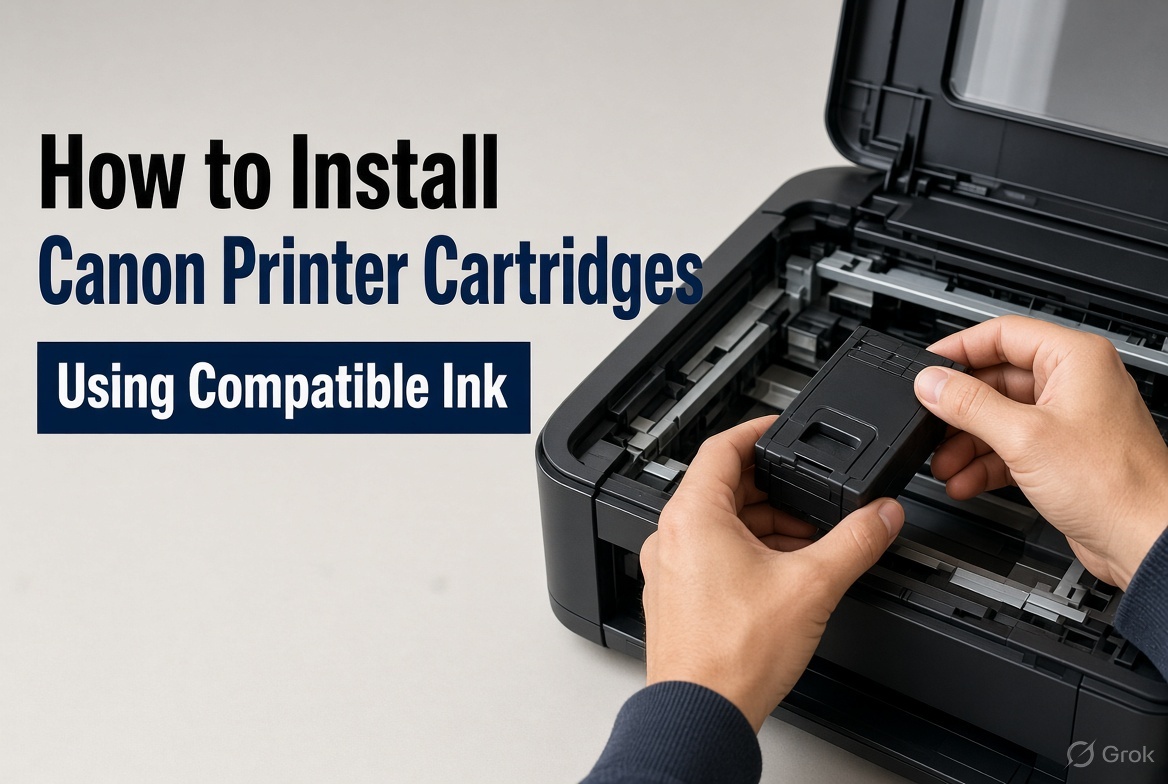
4. Reinstall the cartridge
Open the printer's cartridge access area and follow the instructions for your model. Make sure the cartridge is seated correctly and the holder is secured.
5. Restart the printer
Close the printer cover and follow the manufacturer's instructions to restart the machine. Check whether the cartridge is recognised after the printer completes its initialisation.
6. Follow the printer's on-screen instructions
Some Canon models display warnings when a cartridge is not recognised or when ink-level monitoring is unavailable. Follow the instructions for your particular model rather than relying on a universal button combination.
If the printer still does not recognise the cartridge, check the cartridge condition and contact the supplier for further assistance.
When purchasing Canon black ink 645, choosing the correct cartridge for your exact printer model is the best starting point. This applies whether you buy a genuine Canon cartridge or a compatible replacement.
Where Can You Buy Canon PG-645 Ink Cartridges in Australia?
Australian customers can find Canon PG-645 and PG-645XL cartridges through office supply retailers, specialist ink suppliers and online printer cartridge stores.
Officeworks is one option for customers searching for Canon 645 ink Officeworks listings. Specialist cartridge retailers may also offer standard and high-yield options, along with printer-specific product listings.
Before ordering, compare the cartridge type, page yield, price and delivery conditions. Most importantly, check that the product is listed for your exact printer model.
The Toner Group provides printer-specific listings to help customers identify suitable ink cartridges. For example, Canon PIXMA MG2460 owners can view the genuine Canon PG-645 standard-yield black ink cartridge.
You can also browse the wider Canon ink cartridge range to explore available options.
Final Thoughts
Choosing between the Canon PG-645 and PG-645XL comes down to your printing habits and cartridge requirements. The PG-645 is the standard-yield option with an estimated 180-page capacity, while the PG-645XL offers a higher estimated yield of 400 pages.
Both are designed for selected Canon PIXMA printers and use Canon's FINE printhead technology. However, checking the exact printer model before purchasing remains essential.
If you are comparing Canon black ink 645 cartridges, consider how often you print, whether standard or high-yield capacity suits your needs, and whether the cartridge is compatible with your printer.
Taking a moment to check these details can help you avoid ordering the wrong cartridge and keep your everyday printing running smoothly.
Frequently Asked Questions
1. What is the page yield of a Canon PG-645 black ink cartridge?
The genuine Canon PG-645 standard black ink cartridge has an estimated page yield of 180 pages. Actual results depend on document coverage, print settings and usage.
2. How many pages does Canon PG-645XL print?
The Canon PG-645XL high-yield black cartridge has an estimated page yield of 400 pages, compared with approximately 180 pages for the standard PG-645.
3. Is Canon PG-645 the same as PG-645XL?
No. Both are black ink cartridges in the Canon 645 series, but the PG-645 is standard yield and the PG-645XL is high yield. Their estimated page capacities are different.
4. Can I use PG-645XL instead of PG-645?
You can use PG-645XL as an alternative where your Canon printer supports the PG-645 cartridge series. Always check the compatibility list for your exact printer model.
5. Is Canon PG-645 pigment black ink?
Yes. Canon describes the PG-645 as containing specially formulated pigment black ink for document printing.
6. Which printers use Canon PG-645 ink?
Canon lists selected PIXMA models, including the MG2460, MG2560, MG2960, MG2965, MG3060, MX496, TR4560, TS3160, TS3165 and TS3166. Confirm compatibility before ordering.
7. Why is my Canon printer not recognising the PG-645 cartridge?
Possible reasons include an incorrect cartridge, protective tape left in place, poor cartridge seating or an issue with the electrical contacts. Check the installation instructions and contact your supplier if the problem continues.
8. Where can I buy a genuine Canon PG-645 black ink cartridge in Australia?
You can purchase genuine Canon PG-645 cartridges through Australian office supply retailers and specialist online ink suppliers. Check the cartridge number and printer compatibility before placing an order.