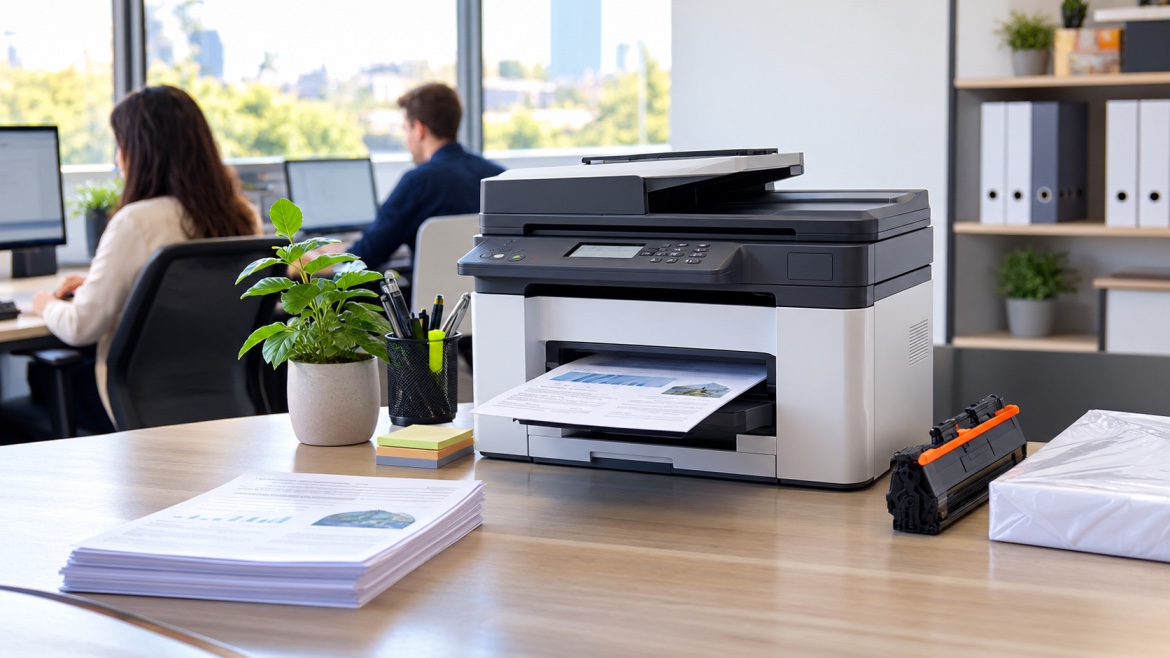
A printer can be one of those office essentials nobody thinks about until it stops working.
A paper jam during a busy morning, poor print quality before an important meeting or an empty toner cartridge can quickly interrupt the workday. For businesses that rely on printed documents, a simple maintenance routine can help catch these problems earlier and keep equipment running more reliably.
A good printer maintenance schedule for business should cover more than cleaning. It should include consumables, usage, print quality, warning messages, accessible components, service requirements and clear responsibility for following up problems. The right frequency will depend on the printer, how heavily it is used and the manufacturer's recommendations.
The good news is that it doesn't need to be complicated. A practical checklist, updated regularly, can be enough for many Australian workplaces.
Why a Maintenance Schedule Matters
Unplanned printer problems cost more than the repair itself.
When a machine stops working, staff may have to find another printer, delay paperwork or spend time trying to solve the problem. If the same fault keeps returning, those small interruptions can quickly become frustrating.
A regular routine helps your team:
- Spot developing problems earlier
- Keep the right toner and other supplies available
- Monitor heavily used machines
- Record recurring faults
- Keep accessible areas clean
- Plan professional servicing
- Decide when an older machine may no longer be worth repairing
The aim isn't to have someone constantly working on the printer. It's about giving your team a simple way to notice when something has changed.
What Should Be Included in a Business Printer Maintenance Schedule?
Every business will have slightly different requirements, but there are several useful items to include.
1. Record the Printer and Its Location
Start by listing each machine, including:
- Make and model
- Location
- Serial number or asset number
- Main department or users
- Approximate workload
This becomes particularly useful in offices with several printers.
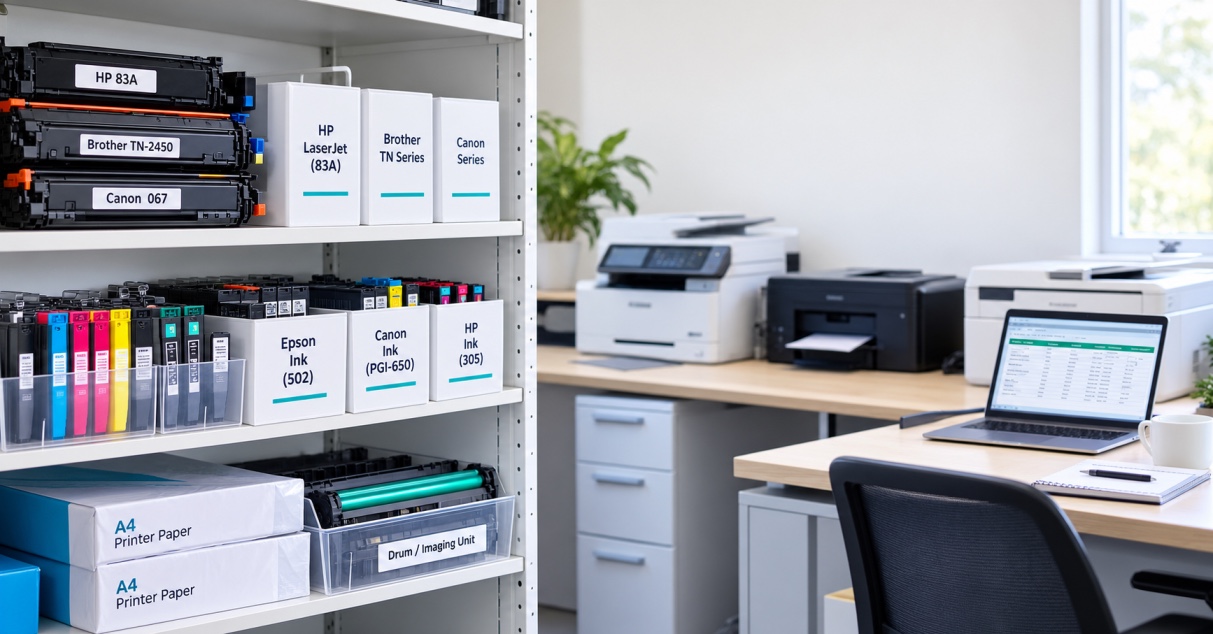
If a problem is reported, your team can immediately identify the machine instead of trying to work out which device is affected. Keeping this information alongside the correct consumable details can also help prevent the wrong cartridge being ordered.
2. Keep Track of Toner, Ink and Other Consumables
Your schedule should include the supplies each machine uses.
Record:
- Toner or ink reference
- Current stock
- Drum status, where applicable
- Waste-toner status, where applicable
- Spare cartridges available
- Typical usage
Don't wait until the printer stops before ordering a replacement.
For an office that relies heavily on a particular machine, keeping a sensible amount of spare stock can prevent an otherwise avoidable interruption
3. Monitor Page Count and Usage
Page count is useful when deciding when equipment needs attention, particularly when servicing requirements are linked to manufacturer recommendations.
Record the reading regularly rather than only checking it when something goes wrong.
It's also worth looking at how the printer is being used, rather than relying on age alone. A machine handling large volumes every day will naturally need closer attention than one used occasionally.
For printers with specific manufacturer service counters or maintenance-kit indicators, use those figures when planning servicing rather than creating your own replacement intervals.
4. Check the Paper Path
Paper problems are among the easiest issues to notice.
During routine checks, look for:
- Paper scraps
- Dust or debris
- Toner spills
- Damaged paper
- Anything visibly obstructing accessible areas
Keep the paper path clean according to the manufacturer's instructions.
If the same jam keeps happening, don't simply clear it and carry on. A recurring problem may need technical attention.
5. Look at Rollers, Vents and Accessible Components
Staff don't need to dismantle a printer as part of a normal office check.
Instead, look for obvious signs of:
- Excessive dust
- Damage
- Wear
- Blocked ventilation
- Paper-feed problems
If paper isn't feeding properly or jams are becoming more frequent, make a note of the issue and arrange appropriate support.
Internal components should be inspected or replaced according to the manufacturer's instructions or by a suitably qualified technician.
6. Check Error Messages
Warning messages shouldn't automatically be treated as a major fault, but repeated warnings shouldn't be ignored either.
Record recurring codes or messages, including when they appeared and what the printer was doing at the time.
For example:
Paper feed error — occurred three times this month.
That gives your IT team or technician much more useful information than simply reporting that the printer is "playing up".
7. Check Print Quality
A quick test print can reveal changes that aren't obvious from the printer's display.
Look for:
- Faded areas
- Streaks
- Spots
- Uneven colour
- Lines
- Other changes from normal output
Changes in print quality can sometimes point towards consumable or component issues, so recording them can help identify a developing problem before it becomes a larger interruption.
8. Keep Firmware Information Where It Matters
For networked printers, keeping a record of the current firmware version can be useful for IT teams.
If a machine suddenly behaves differently after an update, knowing when the change occurred can help narrow down the cause.
This doesn't mean every office needs to check firmware every day. A simple record that is updated when firmware changes can be enough for many workplaces.
9. Record When Professional Service Is Due
Some printers have manufacturer-recommended maintenance intervals based on usage or specific maintenance counters.
Add these requirements to your schedule rather than relying on memory.
Higher-use equipment may require more attention than a lightly used machine, so your schedule should reflect the actual workload.
How Often Should an Office Printer Be Checked?
There isn't one timetable that works for every workplace.
A useful starting point is to separate quick routine checks from more detailed reviews and professional servicing.
Weekly checks
For a typical office, look at:
- Toner or ink levels
- Paper supply
- Warning messages
- Obvious jams
- Print quality
- Visible debris
Busy machines may need these checks more frequently.
Monthly checks
Once a month, review:
- Page count
- Consumable usage
- Print quality
- Recurring errors
- Accessible paper-feed areas
- Ventilation
- Maintenance records
- Spare consumables
This is also a good opportunity to check whether any issue reported during the month has actually been resolved.
Professional servicing
Professional servicing should follow the printer manufacturer's requirements and the condition of the equipment.
Don't wait for complete failure if the machine is already showing repeated problems.
Your schedule can include:
- Manufacturer service intervals
- Page-count triggers
- Maintenance-kit requirements
- Known component replacement intervals
- Previous service dates
The original maintenance plan also recommends adjusting checks for environments such as dusty workplaces, humid conditions and continuous heavy use.
Who Should Be Responsible?
A maintenance schedule is only useful if someone actually keeps it up to date.
Give one person or team clear responsibility.
Depending on the organisation, that could be:
- Office manager
- Administration team
- IT department
- Facilities team
- Operations manager
- External service provider
The person responsible doesn't necessarily need to carry out technical work.
Their role can be to make sure checks happen, supplies are available and problems are passed to the right person.
A simple shared spreadsheet can work perfectly well.
Record:
Date → Printer → Check → Problem → Action → Result → Next step
For larger organisations, centralising this information can make it easier to see which machines are causing repeated problems.
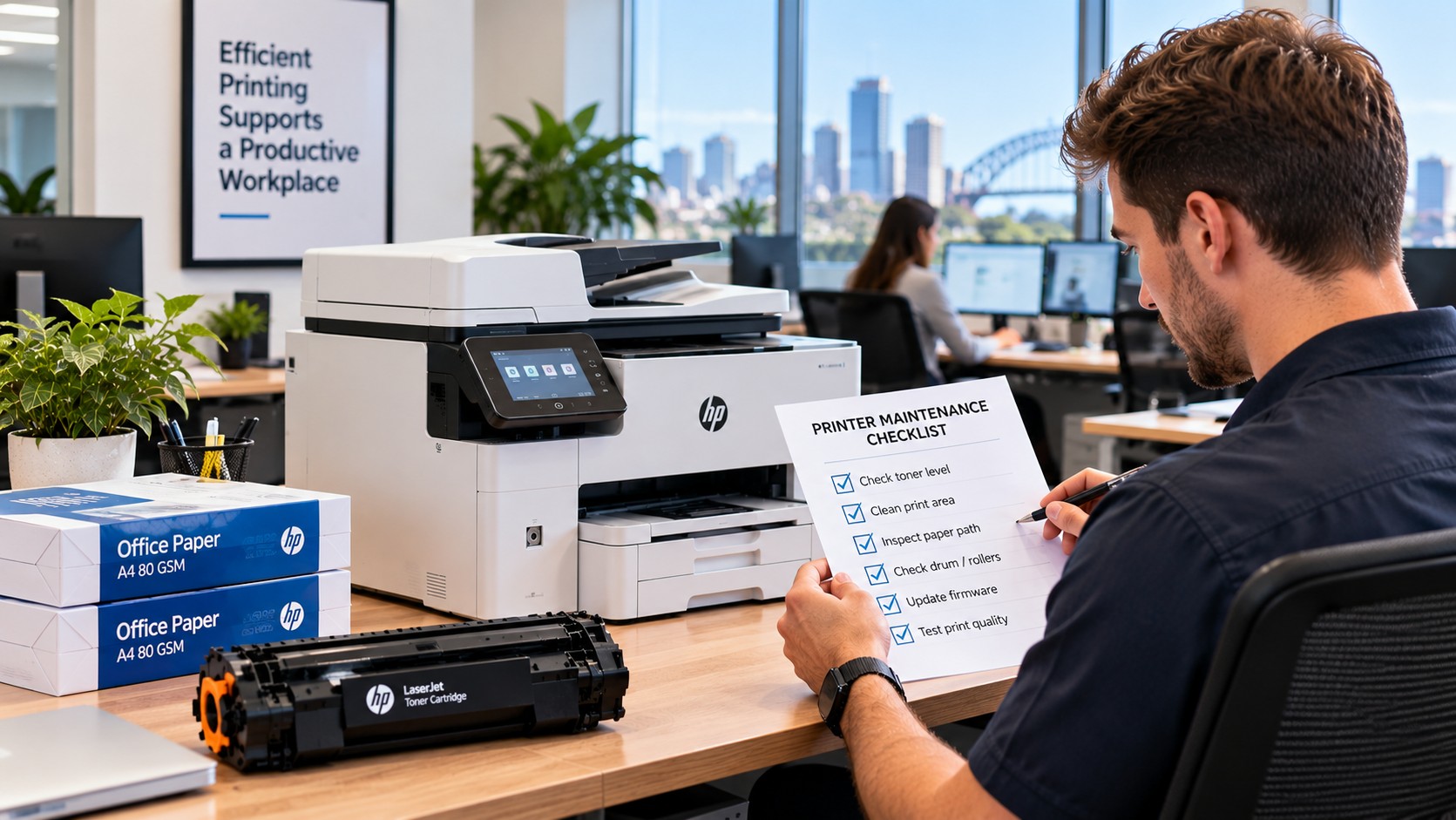
A Simple Office Printer Maintenance Checklist
If you don't currently have a formal process, start with something simple.
Regular checks
- Printer model and location confirmed
- Toner or ink level checked
- Correct spare cartridge available
- Paper path checked
- Accessible vents clear
- Error messages reviewed
- Print quality checked
- Page count recorded
- Firmware information updated when required
- Service due date checked
- Problems recorded and assigned
This is enough to create a useful starting point without turning printer care into a major administrative task.
Adjust the Routine to Your Business
Not every workplace uses its printers in the same way.
Small professional offices
A simple checklist with regular consumable and condition checks may be enough.
The priority should be keeping supplies available and dealing with recurring problems before they become disruptive.
Schools and multi-user environments
Printers may be used by many people throughout the day, particularly during busy periods.
Clear responsibility is important, as problems can otherwise go unnoticed until the machine is needed urgently.
Healthcare and legal offices
For document-heavy environments where reliable printing is important, it makes sense to treat key machines as priority equipment.
Keep service records up to date and make sure recurring faults are dealt with promptly.
Larger and multi-site organisations
When a business has multiple devices or locations, manually keeping track of every cartridge, fault and service date can become difficult.
A centralised approach or managed print arrangement may help coordinate supplies, servicing and equipment information rather than leaving each office to manage everything separately.
When Should You Arrange Professional Printer Servicing?
Some problems are suitable for basic office troubleshooting. Others aren't.
It's time to consider professional help when:
- The same jam keeps returning
- Error messages continue after basic troubleshooting
- Print quality remains poor
- The printer makes unusual noises
- A mechanical problem is suspected
- Parts appear worn
- The machine is becoming increasingly unreliable
If a problem keeps returning after you've checked the obvious causes, repeatedly trying the same fix usually isn't the best use of staff time.
The original guidance recommends escalating persistent jams, noises, errors and quality problems to a technician rather than continuing with repeated DIY attempts.
The Toner Group's also states that it provides nationwide technical support for machines experiencing wear or performance issues, including on-site solutions.
Could Managed Print Make Things Easier?
For businesses with several printers, multiple locations or limited internal IT resources, managed print can take some of the administration off the team's hands.
Depending on the arrangement, this may include monitoring usage, managing consumables and coordinating servicing.
The benefit isn't simply having someone else look after the printers. It's having a more organised system for keeping equipment, supplies and servicing under control.
For a small office with one printer, that may be unnecessary. For a larger organisation, it can be worth considering.
Common Maintenance Mistakes to Avoid
Even a detailed checklist won't help if nobody follows it.
Some common mistakes include:
- Creating a schedule but not assigning an owner
- Checking toner while ignoring recurring faults
- Waiting until a printer completely fails
- Using the same routine for every machine regardless of workload
- Failing to record recurring errors
- Ordering the wrong consumables
- Ignoring manufacturer service requirements
- Attempting internal repairs without the appropriate knowledge or instructions
The best schedule is not the longest one.
It's the one your team can realistically follow.
Key Takeaways
A practical printer maintenance schedule for business should cover the basics without becoming a burden.
Make sure your process includes:
- Equipment and location details
- Consumable levels and correct part numbers
- Usage and page-count information
- Paper-path checks
- Accessible components and ventilation
- Warning messages and error history
- Print-quality checks
- Relevant firmware records
- Manufacturer service requirements
- A clear person responsible for follow-up
Most importantly, don't wait for a printer to completely fail before acting.
When a fault keeps returning, get it assessed. When consumables are running low, reorder before they're needed. And when a machine is heavily used, make sure its servicing requirements reflect that workload.
The result is a more reliable printing setup with fewer avoidable interruptions.
If your business needs help with printer repairs, servicing, consumables or managed print, we can help you